Cloud, DNS, payments, and SaaS incidents should not share one vague catch-all watch.
Outage alerts
Outage alert templates for cloud, DNS, payments, and SaaS incidents.
Copy an alert or open it directly in PushMe to catch early signals on cloud, identity, payments, CDN, and SaaS failures before they become a customer support problem.
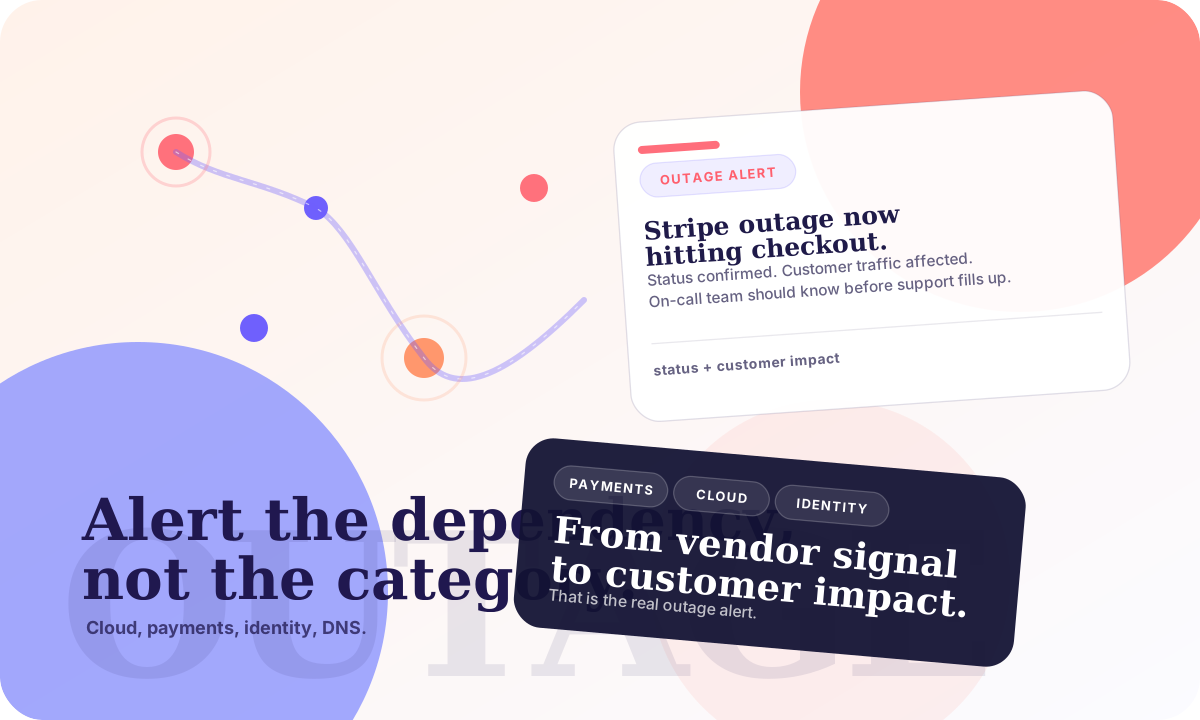
A useful outage alert says what broke: checkout, login, DNS resolution, email, or customer traffic.
Payment processor problems, collaboration outages, and CDN failures usually go to different operators.
Major cloud outage
SRECatch multi-region incidents early.
Installs immediately if you are signed in.
Cloudflare or DNS outage
NetworkInternet-wide disruption alert.
Installs immediately if you are signed in.
GCP region outage
CloudRegional cloud incidents.
Installs immediately if you are signed in.
Microsoft 365 incident
SaaSEmail and collaboration outages.
Installs immediately if you are signed in.
Payment processor outage
PaymentsCheckout and billing disruption alert.
Installs immediately if you are signed in.
What makes a good outage alert
Good outage watches name the service, the failure mode, and the scope of impact. “AWS outage” is vague; “AWS multi-region outage affecting customer services” is much easier to verify and route.
Use these when you want fast operational awareness without waiting for a polished vendor status narrative. If your team also tracks follow-on breach risk, pair this page with security breach alerts.
How to scope an outage watch without drowning in noise
Start with the exact dependency that would hurt you in production, not a whole category. “Cloudflare outage affecting major sites” is better than “internet outage,” and “Microsoft 365 outage or Exchange Online incident” is better than “Microsoft problem.”
Separate infrastructure watches from vendor watches when the escalation path is different. Your team may want one alert for DNS or CDN failures, another for collaboration stack incidents, and a third for payment processor disruption that directly affects revenue.
Bad outage alert wording vs better wording
Bad: “Internet outage.” Better: “Cloudflare outage or DNS disruption affecting major sites.”
Bad: “Payment issues.” Better: “Stripe, Adyen, or major payment processor outage affecting checkout completion.”
Bad: “Microsoft problems.” Better: “Microsoft 365 outage or Exchange Online incident.”
Outage alert templates work best when they describe one dependency and one operational failure mode. If you need a broader operating baseline, start from alert templates or the real-time alerting checklist.
Go deeper
Use the broader library when you need adjacent templates, or read the editorial guides when you want to tighten your alerting rules.