It is built to alert on concrete incidents in minutes instead of waiting for broad web indexing.
PushMe vs Google Alerts for Real-Time Monitoring
It stays stronger when you want long-tail mention monitoring across the wider public web.
Keep real-time incidents and broad mention discovery in separate lanes instead of asking one tool to do both badly.
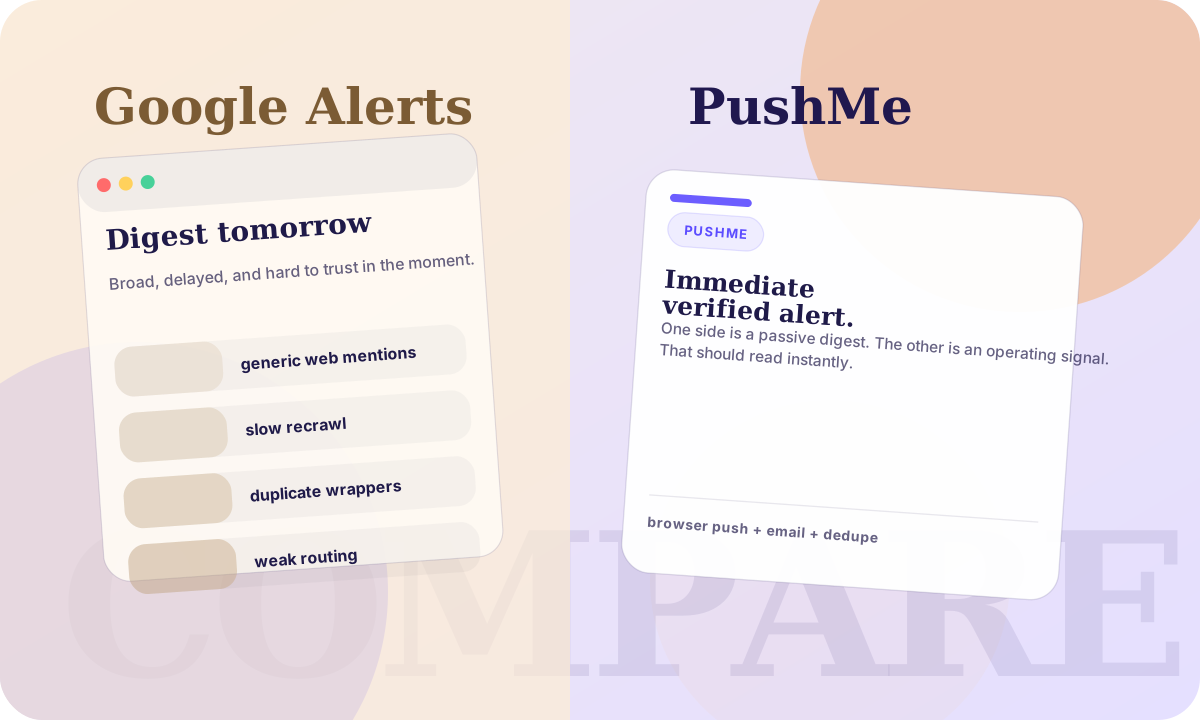
Both PushMe and Google Alerts help you monitor the world for topics you care about. The difference is primarily intent: Google Alerts is a broad web monitoring product that typically emails you summaries, while PushMe is built to send fast push or email notifications when a specific event happens.
Quick Summary
- Speed: PushMe aims for minutes. Google Alerts can be hours or days, depending on indexing.
- Delivery: PushMe supports web push and email. Google Alerts is mainly email-first.
- Noise control: PushMe clusters duplicates and tries to notify once per event. Google Alerts can be repetitive.
- Sources: PushMe ingests selected RSS feeds and social mirrors. Google Alerts depends on what Google crawls and indexes.
- Transparency: PushMe includes source links on notifications and in the event view.
| Category | PushMe | Google Alerts |
|---|---|---|
| Primary job | Fast, source-backed event alerts. | Broad web monitoring and mention discovery. |
| Typical delivery | Browser push and email. | Email digests and summaries. |
| Duplicate control | Clusters overlapping reports into one event. | Often sends repeated matches as more pages get indexed. |
| Best fit | Operational alerts like outages, breaches, severe weather, and vendor changes. | Long-tail mention monitoring across the wider web. |
What Google Alerts Is Great At
Google Alerts is excellent when your question is: "Show me new pages on the web that mention X." If you are tracking a brand name, a public figure, or a niche topic across the broader web, it is hard to beat the coverage Google can potentially find.
It is also "set and forget" for many use cases. If you do not need real-time alerts, and email delivery is fine, Google Alerts is a solid default.
Where Google Alerts Falls Short
1) It is not built for real-time
Alerts depend on crawling and indexing. For fast-moving topics, you often discover the event long after it happened.
2) Social posts are inconsistent
Social platforms can restrict crawling, change URLs, and rate limit access. Even when a post is public, it may not get indexed quickly (or at all). For "notify me when X posts" style alerts, this is a common frustration.
3) Repetition and noise
When many articles cover the same story, Google Alerts may send repeated emails as more pages match the same query.
What PushMe Does Differently
1) Push-first delivery
PushMe is designed to ping you quickly. If you want "interrupt me when it happens," web push is the most direct channel.
2) Event clustering
PushMe groups related articles into a single event and tries to notify you once per event. This reduces duplicates and keeps your notification stream usable.
3) Source links included
Every notification is intended to include at least one clickable source link, so you can verify quickly. The event view shows multiple sources when available.
Reality check
PushMe coverage still depends on the feeds we ingest. Some sources, especially social mirrors, can be partial or delayed if the upstream source changes or blocks access.
Which One Should You Use?
- Use Google Alerts if you want maximum web coverage and email summaries are good enough.
- Use PushMe if you want fast, push-first alerts with deduping, clustering, and clear source links.
- Use both if you care about coverage and speed: PushMe for "interrupt me", Google Alerts for "catch the long tail."
Where to start if PushMe is the better fit
If you are looking for a product page instead of this longer explanation, open the Google Alerts alternative landing page. If you already know your monitoring lane, start from outage alert templates or security breach alert templates. If you want the strongest copy-ready starting point, use the full alert template library.
Try It
If you want to set a high-signal alert quickly, open the app and type your request in plain English.
Outage Alerts
Turn this into an outage watch
Watch the exact vendors, payment rails, and systems you depend on instead of checking status pages manually.
Prefer a blank canvas? Open the app.