Small teams do better with a narrow, high-signal baseline than a long list of vague alerts.
Real-Time Alerting Checklist for Small Teams
Dedupe, verification, and routing are more important than adding a dozen new watches in week one.
The fastest way to improve a stack is to inspect one late alert, one false alarm, and one missing source.
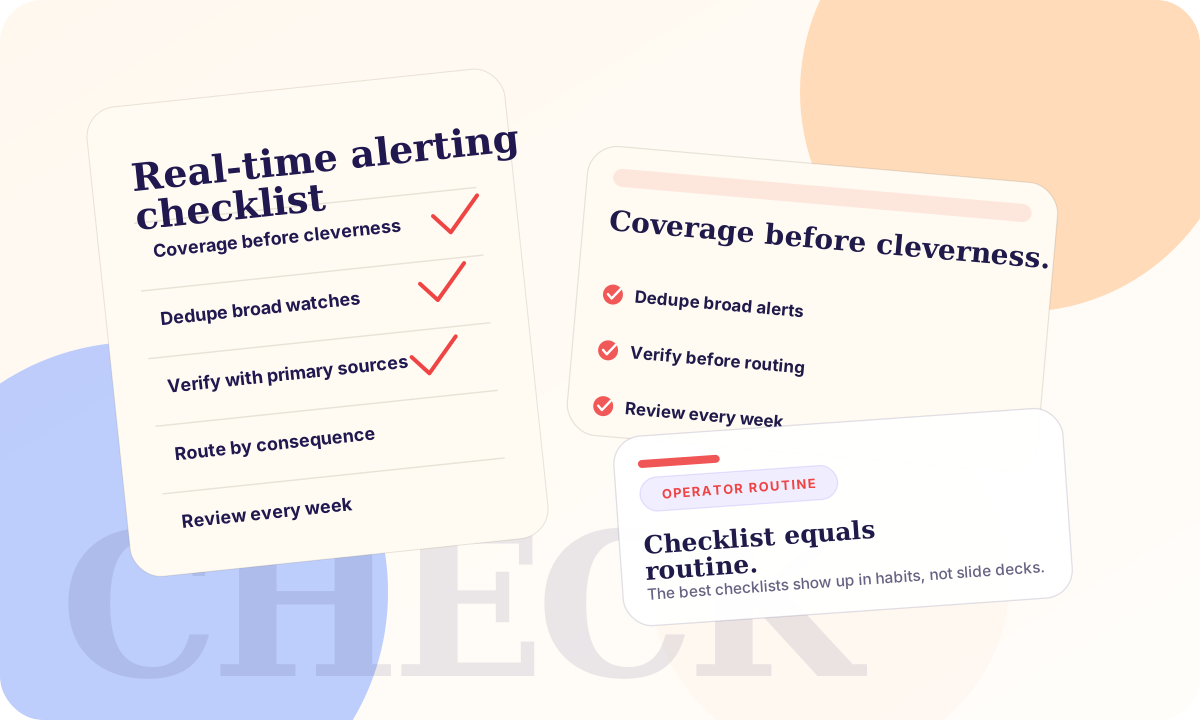
Small teams do not fail because they lack tools. They fail because alerts are noisy, duplicated, and routed to the wrong channel.
A good alerting setup does not start with volume. It starts with a small number of watches that describe concrete failure modes, route to the right channel, and create a clear next action when they fire.
Checklist
- Coverage: Make sure you have sources for every mission-critical dependency or publisher you care about.
- Thresholds: Write watches that are specific enough for early warning, not broad enough to become background chatter.
- Dedupe: Suppress true copies while still letting materially new follow-on developments pass.
- Verification: Put a quality gate in front of user-facing alerts so one weak source does not page a human unnecessarily.
- Channels: Route urgent traffic to push and keep email as backup, audit trail, or lower-priority delivery.
- Escalation: Define what happens after the alert fires, not just how the alert gets delivered.
- Review loop: Audit one miss, one false alarm, and one missing source every week.
Minimum Viable Setup
Start with 3-5 high-impact watches, tune aggressively for signal quality, and only then expand breadth.
Route by urgency, not by source
- Push first: use browser push for the events that should interrupt a person immediately.
- Email second: keep email as a fallback and audit trail, not as the only delivery path for urgent incidents.
- Differentiate severity: outages, confirmed breaches, and fast-moving market shocks should not share the same notification rules as low-confidence background monitoring.
Operating rule
If your team ignores alerts for more than a day, reduce noise before adding any new watches.
Suggested Starter Watches
- Cloud outage watch (provider-level disruption).
- Cyber incident watch (confirmed breach or active exploitation).
- Severe weather watch (hurricane landfall or flooding disruption).
- AI vendor watch (major model launch, policy change, or pricing move).
Use the checklist with the right starting page
The checklist gets easier when you start from a page that already matches the operational problem. Use outage alert templates for cloud, DNS, and payments; use security breach alert templates for confirmed harm and exploitation; use weather alert templates for disruption-driven weather monitoring; and use AI vendor change alert templates for vendor changes that affect products or budgets.
What to review every week
- One alert that arrived too late and why.
- One false positive that should have been filtered or deduped.
- One missing source or publisher you still depend on manually.
Where to start in PushMe
If you want a fast starting point, use the alert template library, begin with outage alerts for operational failure modes, or open security breach alerts when your main concern is confirmed harm and active exploitation.
Outage Alerts
Turn this into an outage watch
Watch the exact vendors, payment rails, and systems you depend on instead of checking status pages manually.
Prefer a blank canvas? Open the app.